Someone hears about your place, picks up their phone and looks you up. Can they see what you serve, find today’s opening hours and decide whether to visit without hunting through posts? That is the first job of a restaurant website.
Start with a readable menu, useful visit information, convincing photographs and one clear next step. Then agree who will keep those things accurate. You do not need a complicated website to do this well. You need one that fits how your restaurant or café actually works.
Do you need a restaurant website if you already have Google, Instagram and Facebook?
A well-kept Google Business Profile can answer quick questions about your location and hours. Instagram can make someone want to try your food. Facebook can help you share news and events. Keep using the channels that work for you. Your website gives all of them a dependable destination with the full, current information.
Think of a guest planning dinner for six. A beautiful reel creates interest, but they still need the menu, prices, dietary information and a way to ask about a table. A post from last summer is not a reliable answer. Nor should they need a social account to understand what you offer.
The benefit is control over the visit: the order of information, the photographs, the enquiry route and the pages you can share. A website still needs hosting and maintenance; it is not automatically independent of every supplier. Register the domain under the business’s control and agree what access and files you receive.
If your current setup already answers every guest question and you have little time or budget, a focused first version is reasonable. The aim is fewer obstacles between discovering you and visiting, not a large site for its own sake.
What pages should a restaurant or café website have?
Organise the site around the decisions a guest needs to make. These are useful starting points, not a compulsory page count.
- Home: is this the place for me?
- Show your food, character, location and main action early. “View the menu”, “Request a table” or “Plan your visit” is more helpful than an unexplained “Discover”.
- Menu: what can I have, and what does it cost?
- Publish the current food and drinks menus with clear sections, prices and service times. Add dietary details that your team has verified. Separate brunch, dinner or takeaway menus when the distinction matters.
- Visit and contact: how do I get there?
- Include the address, directions, telephone, opening hours and kitchen hours if different. Explain relevant access arrangements, parking, outdoor seating or walk-in policy accurately.
- Reservations or enquiries: what happens next?
- Connect the booking service you use, or provide a monitored request form or contact route. A request is not a confirmed reservation: explain how confirmation arrives.
- About: what makes this place yours?
- A short, specific story about the people, food or coffee is stronger than generic claims about passion and quality. Use real photographs where possible.
- Extra pages: what else do you actually offer?
- Private events, catering or individual branches deserve their own pages when there is enough useful information. Do not create empty pages just to make the site bigger.
Is a one-page café website enough?
It can be. A small café with one location, a short menu and no reservation service may need a concise page with clear navigation to each section. Give a long menu its own address so it is easy to share. Multiple locations, several menus and private-event enquiries usually need more structure.
Should the menu be a PDF, an image or a web page?
Use readable web text as the main menu. Guests can enlarge it, follow categories and use assistive technology without trying to decipher a photograph. Offer a PDF as an optional download if useful. A QR code should point to a stable menu page that stays current when dishes change.
W3C recommends using actual text rather than images of text where possible. A menu’s names and descriptions should therefore live in the page, not only inside a graphic. W3C guidance on images of text.
Do you need online ordering from day one?
No. A presentation website, a reservation system and an online shop solve different problems. Start with the actions your team can support. If you already use an ordering platform, discuss a clear link or a supported integration. Do not assume a website package includes payments, delivery management or a new ordering system.
What should you prepare before asking for a website quote?
You do not need everything polished before the first conversation. Bring what you have and identify the gaps. A studio should help you turn the material into a workable plan.
- The business basics: the exact name, contact details, address, map pin, usual hours, kitchen times and upcoming changes.
- The menu in an editable format: item names, descriptions, prices, categories and approved dietary information. Identify who signs off food and allergen details.
- Your identity: logo files, colours, fonts if you have them, and a few words describing the atmosphere. Say what you dislike as well as what you like.
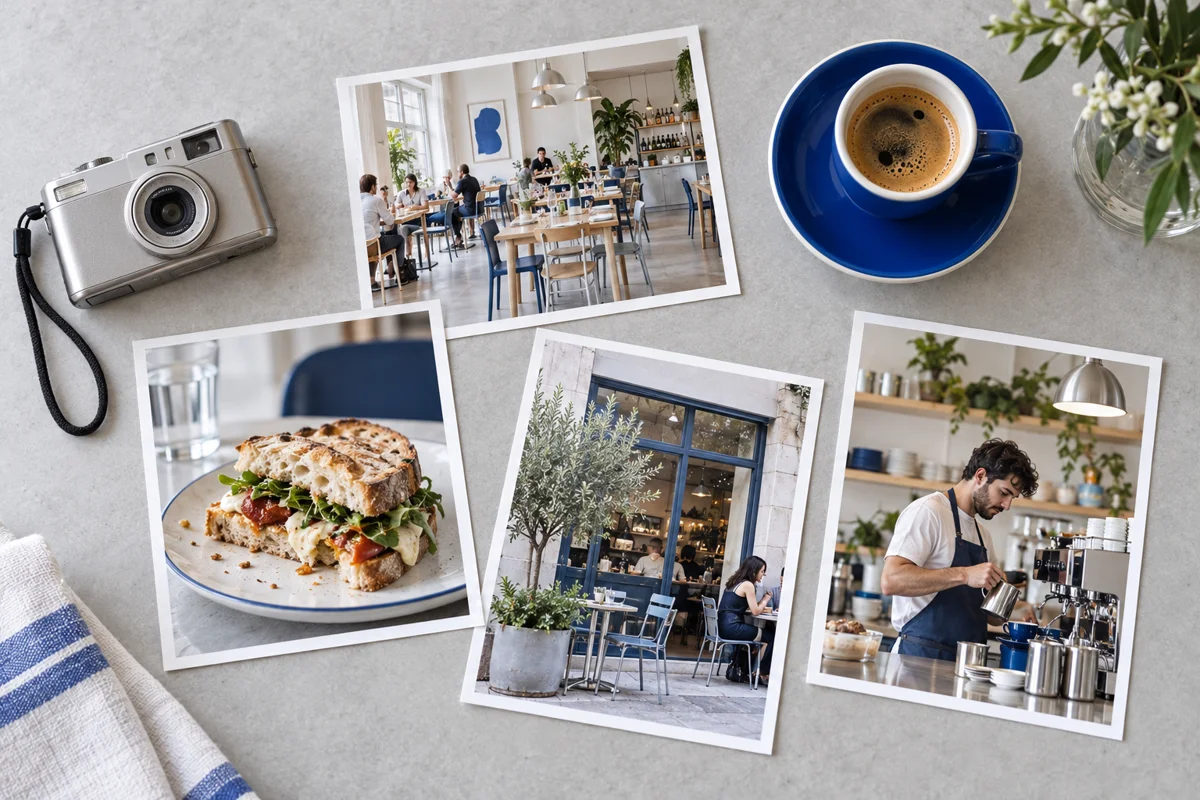
- Photographs: the entrance, interior, food, drinks and people, with permission to use them. Include horizontal and vertical options. Images should represent what a guest will actually find.
- The guest journey: whether you want visits, calls, table requests or event enquiries, and who responds to each.
- Existing accounts: domain registrar, hosting if any, Business Profile, social profiles and booking provider. Arrange delegated access or a secure handover; do not send passwords in a shared brief.
- Working arrangements: budget range, target launch window, decision-maker, languages and expected update frequency.
For a new opening, mark provisional information clearly. If the address or hours are not final, do not publish them as confirmed. You can launch a useful introduction first and add the approved menu when it is ready.
How do you choose a web studio without comparing only the price?
Open its work on your own phone. Try to find a menu, read a long heading and send a test enquiry if a demo provides a safe demonstration. The useful question is not just “Does this look beautiful?” It is “Would my customer know what to do?”
Ask for a written proposal that answers:
- Which pages, languages, copywriting and image work are included?
- Who updates the menu, and can they show you how that happens?
- Does a reservation button open a real booking system or only send a request?
- What mobile, accessibility, form and search checks happen before launch?
- Who controls the domain, and what happens if you change suppliers?
- What does ongoing care include, how do you request changes, and what costs extra?
- Which subscriptions, renewals or third-party charges sit outside the build?
How much should you budget for a restaurant website?
Separate the build from running costs. Design, content preparation, menu complexity, languages and integrations affect the initial scope. Domain renewal, hosting, care and booking software affect ongoing spending. Compare quotes against the same list of deliverables, and check whether taxes and external subscriptions are included.
Our website and care plans give you a starting point. We confirm the fit and scope for your restaurant before work begins. Adding a new booking platform, another language or a substantial redesign should be discussed separately from routine content changes.
How does the process work, from the first conversation to launch?
- Agree the job. Define your audience, main action, essential information and scope. Decide who supplies and approves each item.
- Organise the content. Build the menu structure, page outline and photo selection before decorating the site. Identify missing facts early.
- Review the design. Judge it with your actual menu and words, including the mobile version. Check that it feels like your place rather than a template for any business.
- Build and connect. Add the approved content, enquiry or booking route, analytics where appropriate and search foundations.
- Test with real tasks. Find tonight’s menu, call the restaurant, get directions and complete a request. Check delivery to the right inbox and the confirmation message.
- Launch and hand over. Connect the domain, check HTTPS, verify indexing settings and agree the update routine. Recheck the public site after launch.
A useful schedule depends on content readiness, approvals and the systems being connected. Ask for milestones and responsibilities rather than a delivery promise that ignores your actual project.
What should you check before saying “publish”?
Read every price and opening time. Test links from Instagram and your Business Profile. Try the menu on a small screen and with enlarged text. Check keyboard access, clear form labels and reduced-motion behaviour. Confirm who receives enquiries. Review the privacy, cookie and other notices appropriate to the tools you use, and seek relevant advice for your market’s requirements.
How do restaurant SEO and GEO work in practice?
SEO helps search engines find and understand your pages. GEO is commonly used for work intended to help content appear in generative AI answers. Neither guarantees a booking or a recommendation. Start with accurate, useful information that people can read and search systems can access.
What should your studio set up for Google?
Ask for descriptive page titles, useful summaries, crawlable links, a sitemap, correct canonical URLs and working mobile pages. Keep menus and important details in visible text. Use descriptive image filenames and alt text that explains relevant images rather than repeating keywords.
Maintain consistent contact details and hours across your site and Business Profile. Google says local results depend mainly on relevance, distance and prominence; a website cannot remove the distance factor or buy a better organic local position. Google’s local ranking guidance.
Appropriate Restaurant or CafeOrCoffeeShop structured data can describe the business, address, hours and menu URL. It must match the visible information. Markup is not a promise of a special search result. Google’s local-business documentation.
Which questions should your restaurant website answer?
Use your team’s real enquiries. “Do you serve brunch on weekdays?”, “Can we bring a pushchair?”, “Is there step-free access?” and “How do we enquire about a group?” are useful only when you can give specific, accurate answers. A café might explain takeaway service or seating policy; a restaurant might explain tasting menus or group reservations.
Include your real area and cuisine naturally on the restaurant’s own site. Give each genuine location its own information. Do not generate dozens of near-identical pages for places you do not serve, or claim dietary suitability that the kitchen cannot verify.
Do you need special AI files or “GEO schema”?
Google says its AI search features use the same SEO foundations: there is no special AI markup requirement. Indexable pages with clear answers and visible supporting details are a sensible starting point. Other AI services have their own systems, and no studio can guarantee that they will cite you. Google’s guidance on AI features.
How will you know the site is helping?
Track useful actions, not just visits: menu views, taps to call, directions clicks and reservation enquiries. A button click is not a confirmed booking. Where systems allow it, compare enquiries with actual reservations. Use Search Console to see which searches bring people in, then improve the page that should answer each need.
How often does a restaurant website need updating?
Update information when the business changes, and add a regular review so nothing is forgotten. A fixed number of monthly edits will not suit every restaurant. A café with daily specials has different needs from a restaurant with a stable seasonal menu.
- When something changes: correct prices, removed dishes, hours, contact information, closures and booking links before customers rely on the old version.
- Before a campaign: prepare the offer, approved conditions, banner, menu or event page and an end date. Remove expired promotions.
- As a regular habit: ask someone to compare the website, Google profile and printed menu. Test the contact route and review new guest questions.
- With your care provider: schedule technical checks appropriate to the platform, backups, fixes and performance review according to the plan.
A practical starting routine is a short weekly information check and a monthly review with whoever maintains the site. Those are suggested habits, not a reason to invent weekly content. Agree a faster route for an unexpected closure or a broken booking link.
Does website maintenance include menu changes and seasonal banners?
It depends on the plan. Hosting alone does not mean someone will update your menu. DM Labs’ Complete Care includes content updates when you need them, priority WhatsApp support, a monthly performance check and one simple banner or section update each month, alongside the Basic Care essentials. Agree the seasonal work and timing with us so it is ready when you need it.
That ongoing relationship is part of how we work. You can ask for changes after launch rather than starting the search for a new supplier every time the menu moves on. The current care-plan details and your proposal explain the scope; new functionality and larger design work are assessed separately.
What would working with DM Labs look like?
We bring the visual identity, mobile experience and practical content together. The aim is a site that makes your restaurant recognisable and makes a guest’s next step easy. Then we stay available through ongoing care as your menu, photographs and promotions evolve.
Explore the hospitality ideas in Our Work, including the Sunday Boat and Hartley website demos, to see different design directions. These are concept projects, not restaurant performance case studies. Your site starts with your food, your guests and your way of working.
Bring your menu, a few photographs and the questions customers keep asking. If some pieces are missing, we can identify them together. Get a free consultation
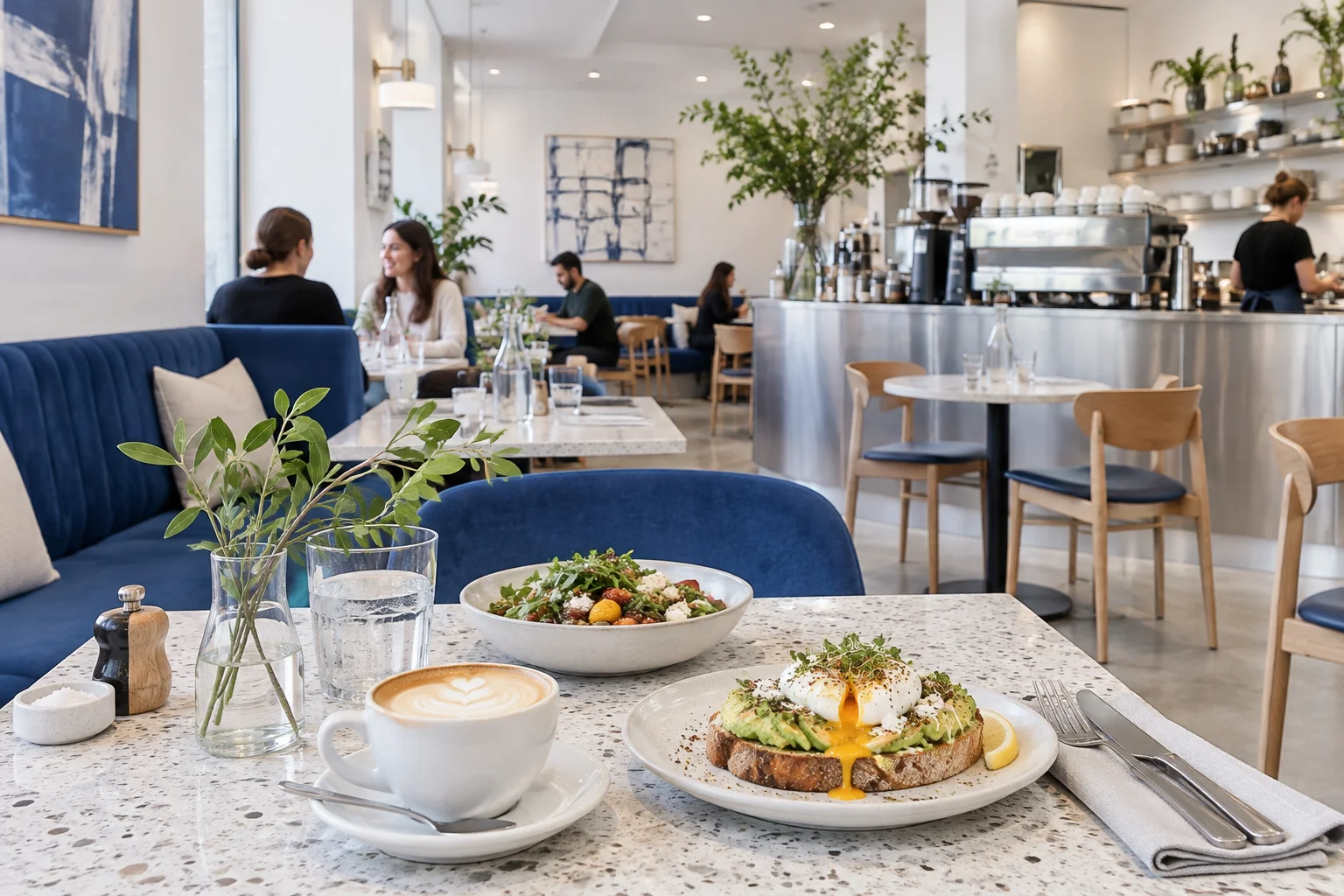
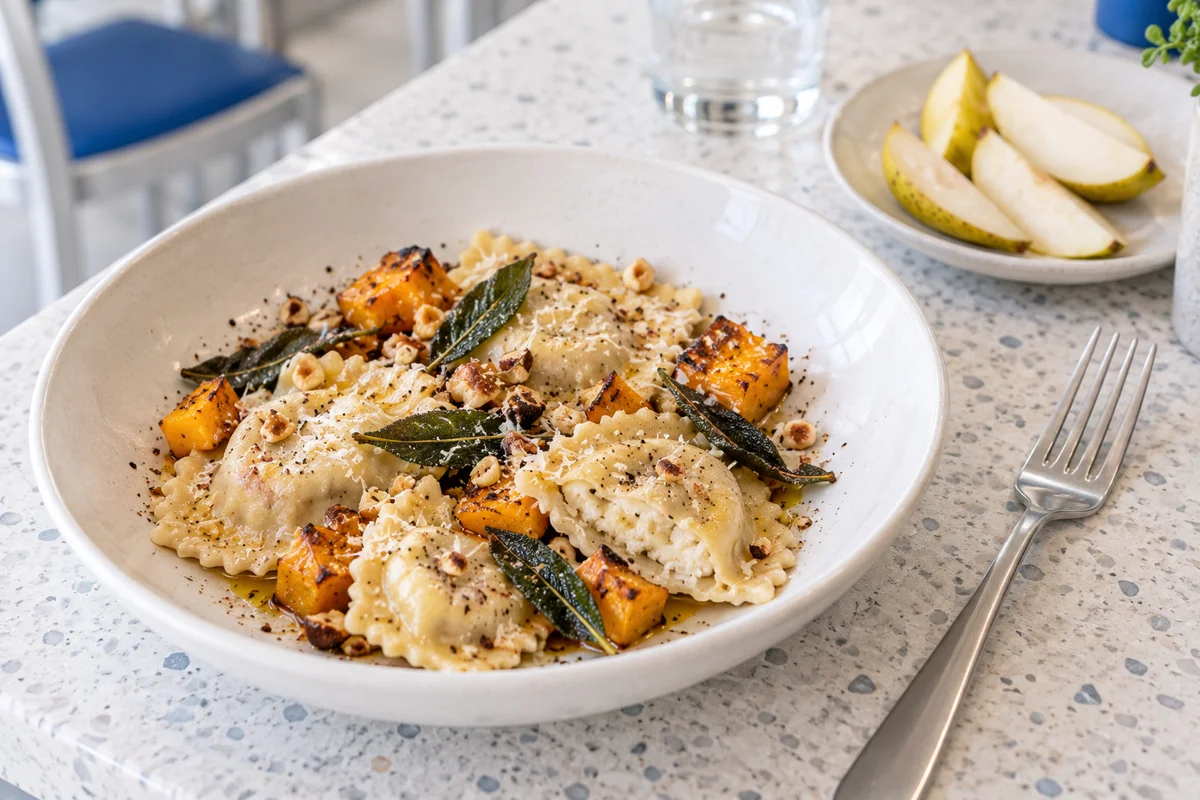
Illustrative images created for this guide. On your restaurant website, use photographs that accurately represent your venue and dishes.